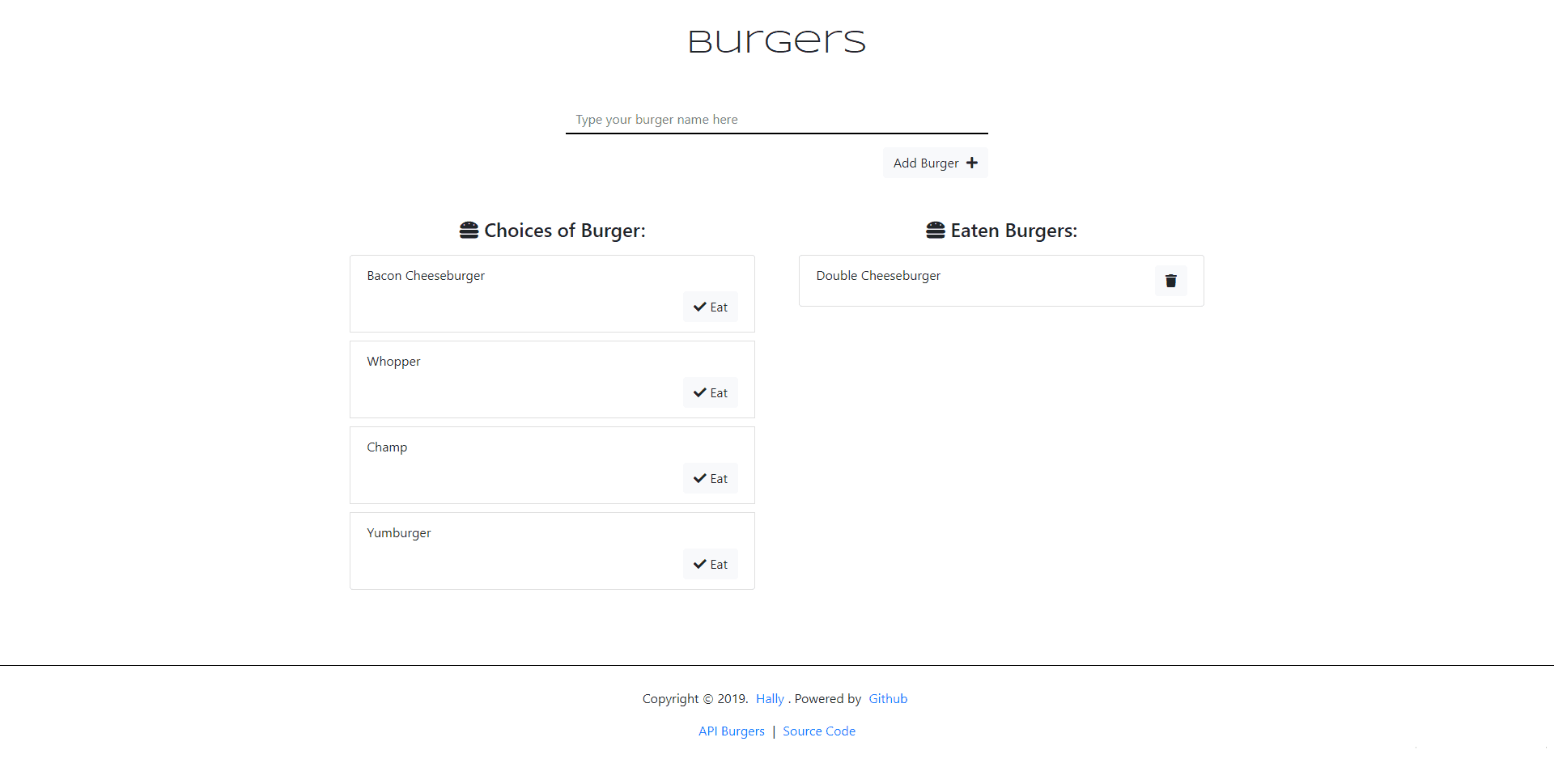


Eat da Burger
It's an app of a burger logger with MySQL, Node, Express, Handlebars and a homemade ORM (yum!). Following the MVC design pattern; using Node and MySQL to query and route data in the app, and Handlebars to generate the HTML.
Tools & Technologies:
- JavaScript
- dotenv
- Express
- Express-handlebars
- mySQL
- handlebars
- jQuery
- NodeJS
- Bootstrap
- Google Fonts
- Fontawesome
- Heroku
- MySQL Workbench
Installation
To clone this project to your device, type the code below to your git bash:
git clone https://github.com/itshally/burger.git
After cloning the repo, make sure to install all the dependencies before running it locally.
cd burger

npm i
Note:
You must add a .env file at the root folder of the repository, and type the following:
MYSQL_USER_PASSWORD=[insert your password here]
For this project, I'm using MySQL Workbench as my database visual tool.
You can check it here
- In your MySQL Workbench, open and execute all of the statements in the schema.sql file first before the seeds.sql* file. These files are in the db folder.
- Make sure that in your Users and Privileges (you can find it under that Management of your left sidebar), the user account that you are using for this app has an access rights to the schema. Mine is
useras my user account for my MySQL. - Afterwards, try to modify the lines 9-20 if there are some changes needed:
//connecting..
if(process.env.JAWSDB_URL){
	connection  = mysql.createConnection(process.env.JAWSDB_URL)
}else{
	connection  =  mysql.createConnection({
		host:  'localhost',
		user:  'user', //this is your mysql user account
		port:  '3306',
		password : process.env.MYSQL_USER_PASSWORD,
		database:  'burgers_db'
	});
}
Screenshot
License
Distributed under the MIT License